
Stop losing time and money to “I thought someone else was doing that.”
Talk-to-Task is for owners who run multiple crews and are tired of things getting lost between what was said on site and what actually gets done. On the job site, your team talks like they normally do. Talk-to-Task captures every instruction once and turns it into clear tasks and checklists in English and Spanish, with owners, due dates, and automatic follow-ups. Less rework, fewer callbacks, and fewer missed steps.
Pilot availability is limited
We only install a handful of Talk-to-Task systems at a time to keep quality high for active crews.
Why owners use Talk-to-Task
What it is
Talk-to-Task captures what you and your crews say on site and turns it into a written, bilingual system-of-record that matches your definition of done.
How it works
You say the job, who’s responsible, what needs to happen, and by when. The system creates the written checklist and drops it onto the right calendars.
No more lost notes
Documentation is a byproduct of talking. Instructions don’t disappear into group texts or forgotten voicemails; they are logged in one place.
No more “I didn’t know”
Every person gets a written checklist in their language with clear owners and due dates. If it’s not in the system, it didn’t happen.
The win is the paper trail
When everyone sees the same list, in their language, and can check items off, rework and "he said / she said" disputes stop.
Tighter jobs, happier customers
Work moves smoother when schedules stay tighter because your team shows up prepared with a shared picture of "done."
What you need
A Plaud device, AirPods, and a phone. We ship the kit, set everything up, and train your team on how to use it in the field.
Limits & service level
Core automations are included and we define exactly what’s covered, response times, and caps in a simple service agreement so expectations are clear.
Talk → Tasks → Done
Mic → Plaud capture → Tasks (owner + due date) → Calendar → Text & email summaries, with a small badge strip showing your SLAs and caps.
1. Capture
On site, a lead or foreman talks into the mic: job location, what was agreed, special instructions, and who’s responsible.
2. Document
Talk-to-Task turns that into clear, written text in English and Spanish so everyone understands the same instructions.
3. Assign
Tasks are created with owners and due dates, dropped onto the right calendars, and visible in a shared portal.
4. Follow up
Crew members get text and/or email summaries, and automatic reminders fire so tasks don’t quietly die.
Privacy and control
- Capture
Audio is captured once to create the written record; devices are paired to your own Plaud AI login.
- Processing
We convert speech into text to create the permanent task history, messages, and calendar items.
- Storage
We store the transcripts and checklist metadata. Audio is not kept unless you choose to enable it for quality review.
- Access
We use least-privilege access
- Controls
Per-user device permissions, opt-in audio retention, and incident logs so you have a full audit trail.
What this changes in a real job
A supervisor walks a renovation site with a crew member. He points out what walls move, where plumbing needs to run, what to demo, and what to protect. The crew member nods, tries to keep up, maybe jots a few notes. They both speak the same language, but a day later parts are in the wrong place, something got missed, and now they’re ripping out work and burning time to fix it.
Add a language gap and it gets worse. The supervisor explains everything in English. The laborer mostly speaks Spanish, smiles politely, and does their best to guess. No one is trying to do a bad job; they just don’t share the same picture of “done.”
Result: fewer mistakes, fewer callbacks, fewer arguments about who said what, and jobs that finish closer to the date the customer was promised.
Short demos
Quick clips that show what it looks like in the field.
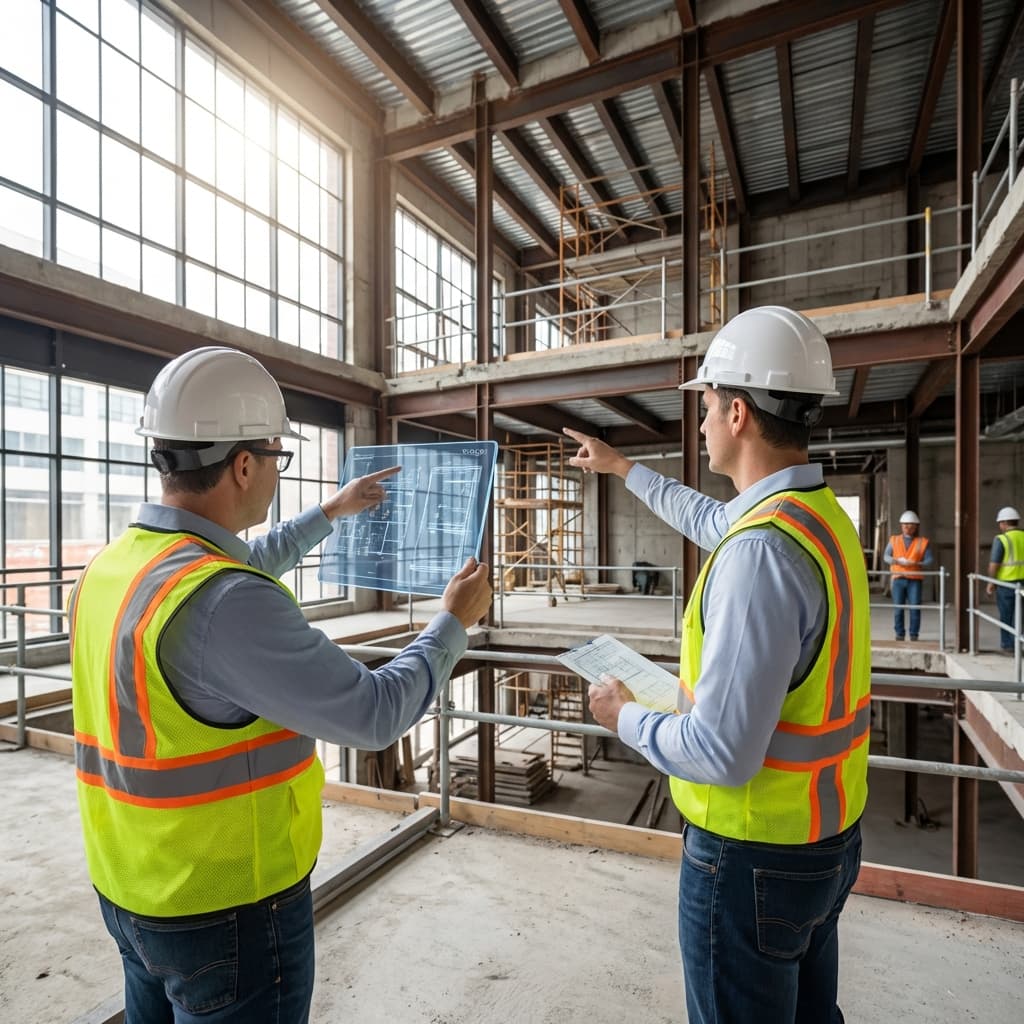
GC Punch-List Demo
Short demoWalk site, speak tasks, see tasks/owners/dates/messages populate.
Coming Soon
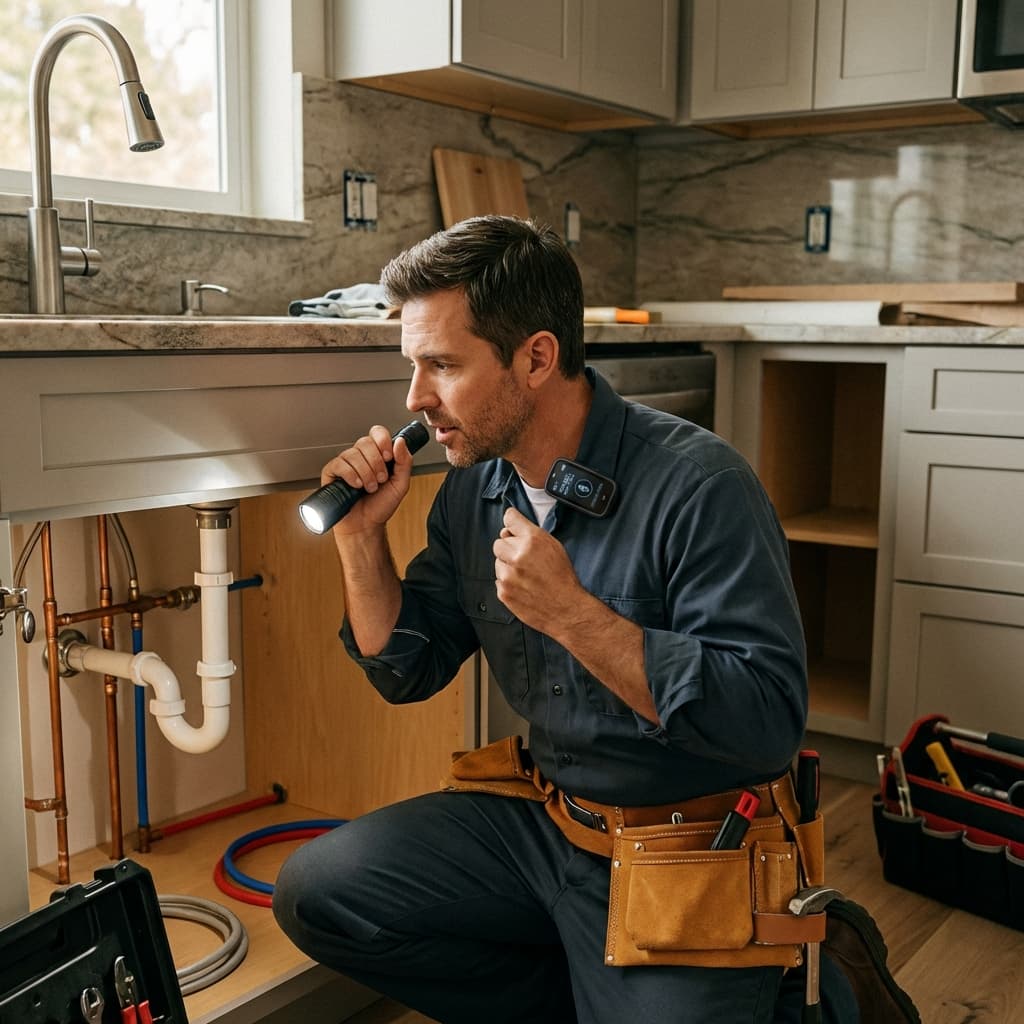
Plumber Quote Demo
Short demoKitchen move + new bath rough-in. Voice notes create tasks + BOM + follow-ups.
Coming Soon
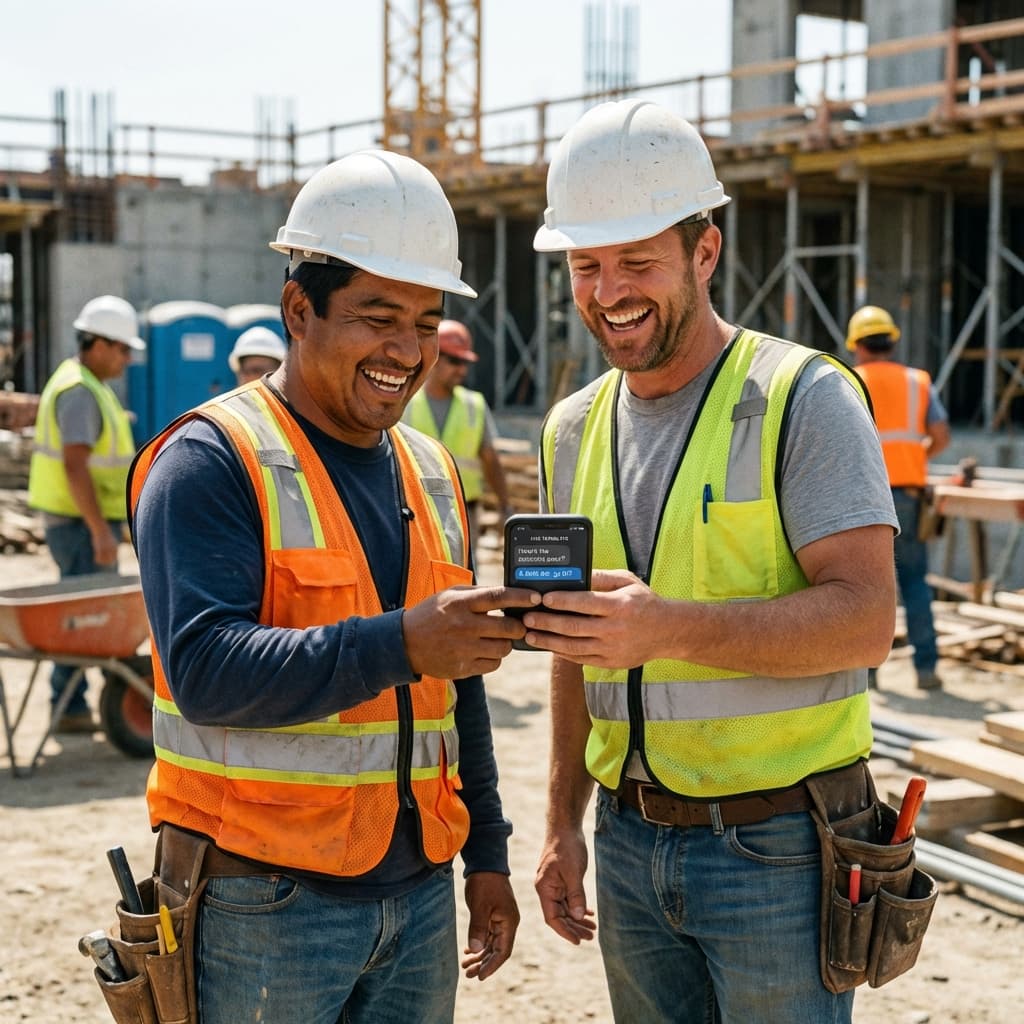
Bilingual Live Translation
Short demoEnglish <-> Spanish capture while tasks form; summaries in both languages.
Coming Soon
What’s included with Talk-to-Task
Everything you need comes in the kit and is set up for your crews.
Field-ready capture kit
Plaud AI capture device and mounting accessories, configured so crews can start using it on job sites right away.
Written bilingual checklists
Captures what you say once and delivers it as clear tasks and checklists in English and Spanish.
Core automations, done for you
Conversation → written task / calendar, Job complete → review request, No-show or cancellation → reschedule workflow
Shared system-of-record
A simple web portal where English and Spanish-speaking team members see the same list, in their language, and check items off.
Onboarding and training
We train your leads and supervisors on how to use Talk-to-Task during real job-site walks, not in a classroom.
Common questions
Do I have to slow down?
What if I forget to charge the device?
Can I change a task later?
Does it work without GoHighLevel?
Where is my audio stored?
Is this HIPAA compliant?
Want to see this with your own crews?
We’ll walk through one of your real workflows and show you exactly how Talk-to-Task fits into your day: how a supervisor walk-through turns into a written system-of-record, how crews see their checklists, and how that cuts down on rework and “I didn’t know.”
Best for owners running multiple crews who want fewer miscommunications, fewer callbacks, and tighter jobs.